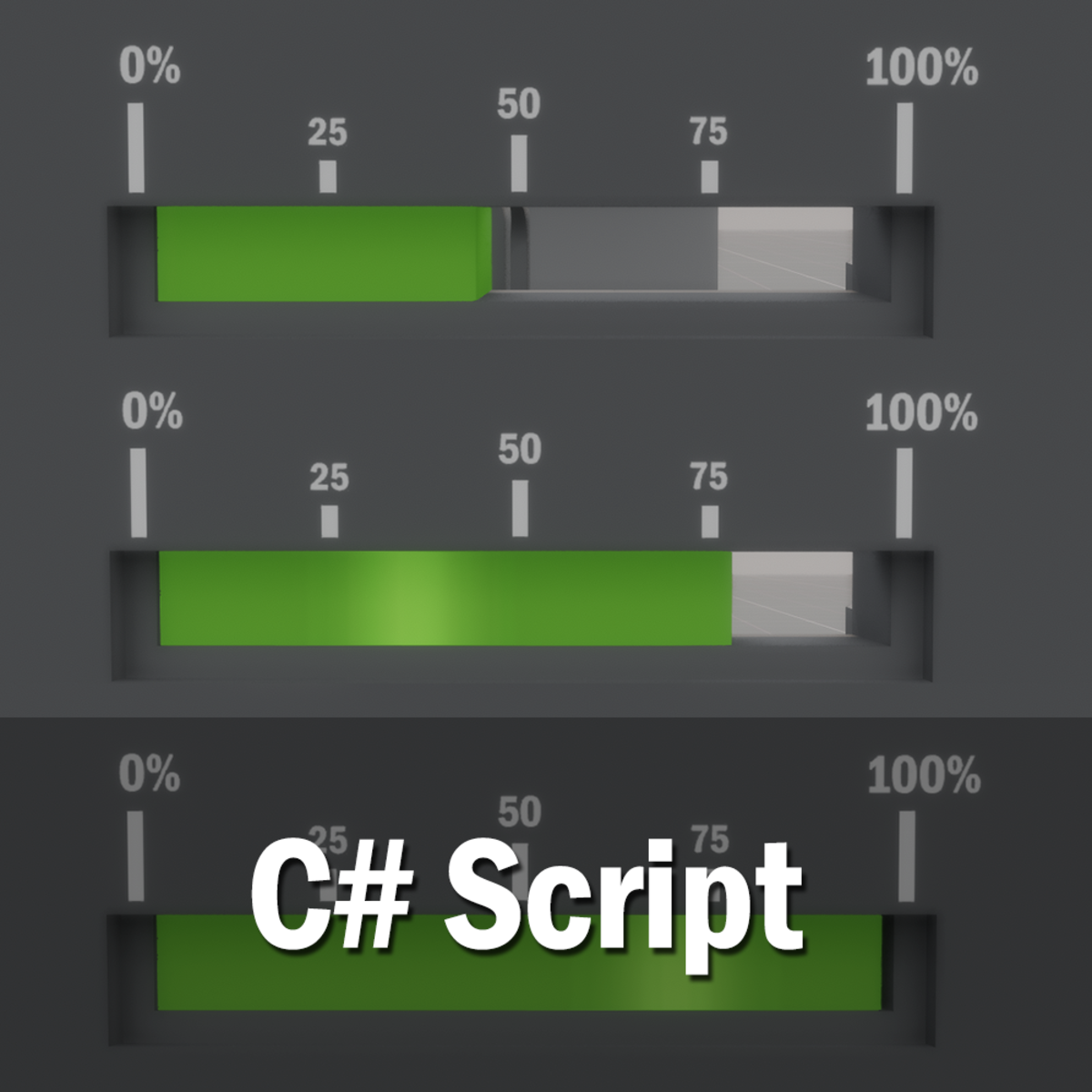
Set Animation Frame - Script
FREE
Log in to like
- Item name
- Set Animation Frame - Script
- Category
- Scripts
- Sold by
- SurrealProducts
- Min. resale price
- 0
- Listed
- 3/19/2019
Description
Use this script to pause an Animated Object at a certain frame. Make sure to have 'Begin on Load' Animation set to Off. 1. Drag into Object with Animation. 2. Edit Object, Find Set Animation Frame. 3. Put in the frame number you wish your Object Animation to pause at. 4. Make sure Animation 'Begin on Load' is Set to Off 5. Once you Save and Build and visit your experience you will see the animation set to given frame. Collaborators: OldVamp , SurrealProducts OldVamp wrote this script. SurrealProducts requested this script. OldVamp's Store: https://store.sansar.com/store/OldVamp