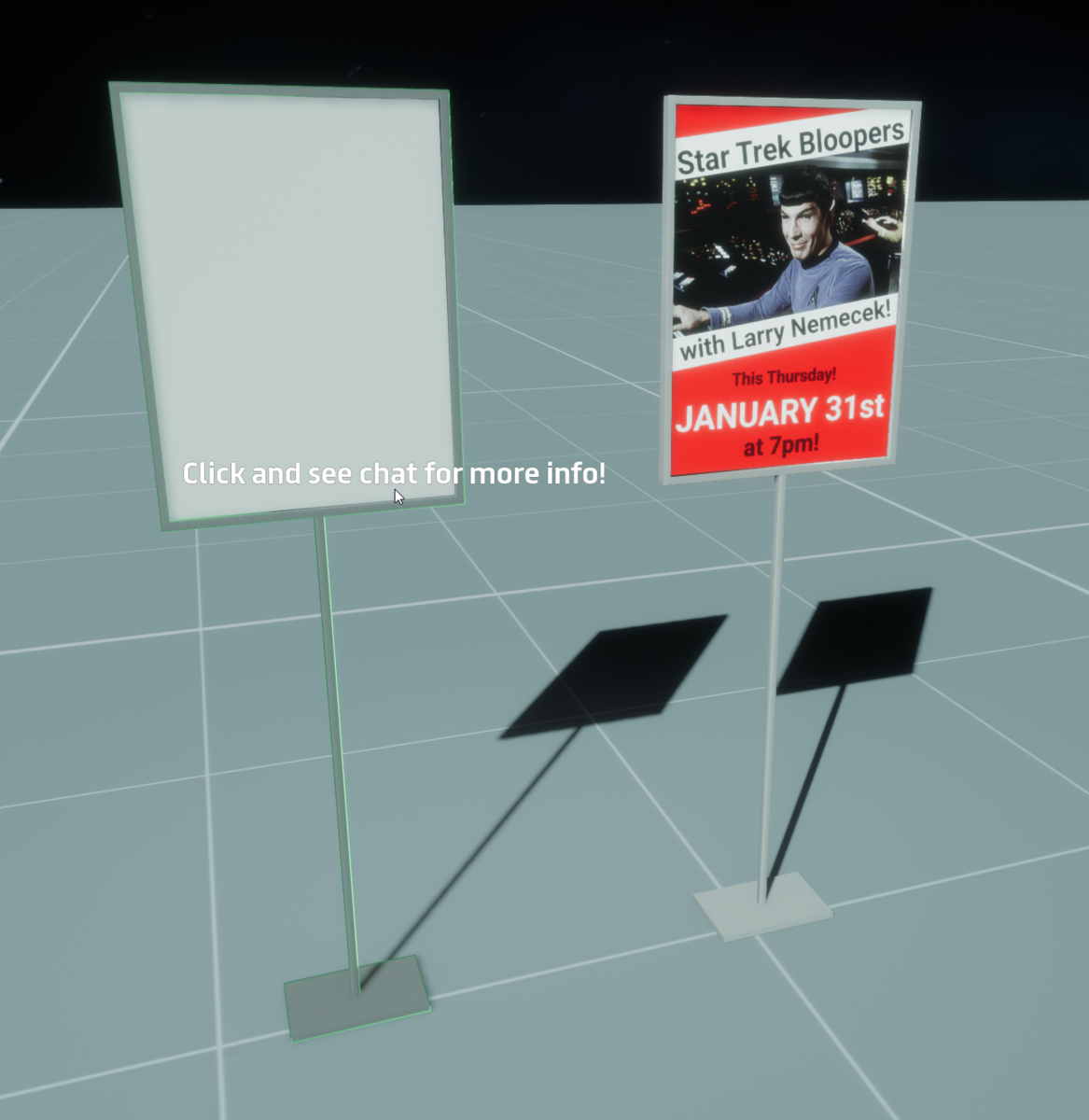
Simple Reusable Sign
- Item name
- Simple Reusable Sign
- Category
- Environment
- Sold by
- Sansar Studios
- Min. resale price
- 0
- Listed
- 1/29/2019
Description
This is a simple reusable sign that Sansar Studios uses in some of their scenes, and now you can too! Instructions (as of April 1, 2019): - Get this sign. - When editing a scene, drag it from your inventory into the scene. - Right-click the sign and choose Materials. - In the Materials Settings editor, click Image in the left pane. - Under Albedo Map, click the dropdown and choose Custom Texture File. - Click Browse to choose the PNG texture from your hard drive. - After you choose it, it will preview. Then click SAVE SETTINGS to save it. (More details here: https://help.sansar.com/hc/en-us/articles/115003259646-Materials-editing-and-shaders ) This is the UV outline, place your visible sign in the rectangular area within the gray lines, then upload it into Sansar: https://slack-files.com/T024FG3EQ-FEXLLPMM4-c14b557eed There's a small light attached, as well a SimpleScript setup that shows a custom link in chat when the sign is clicked. Change this to whatever you want.