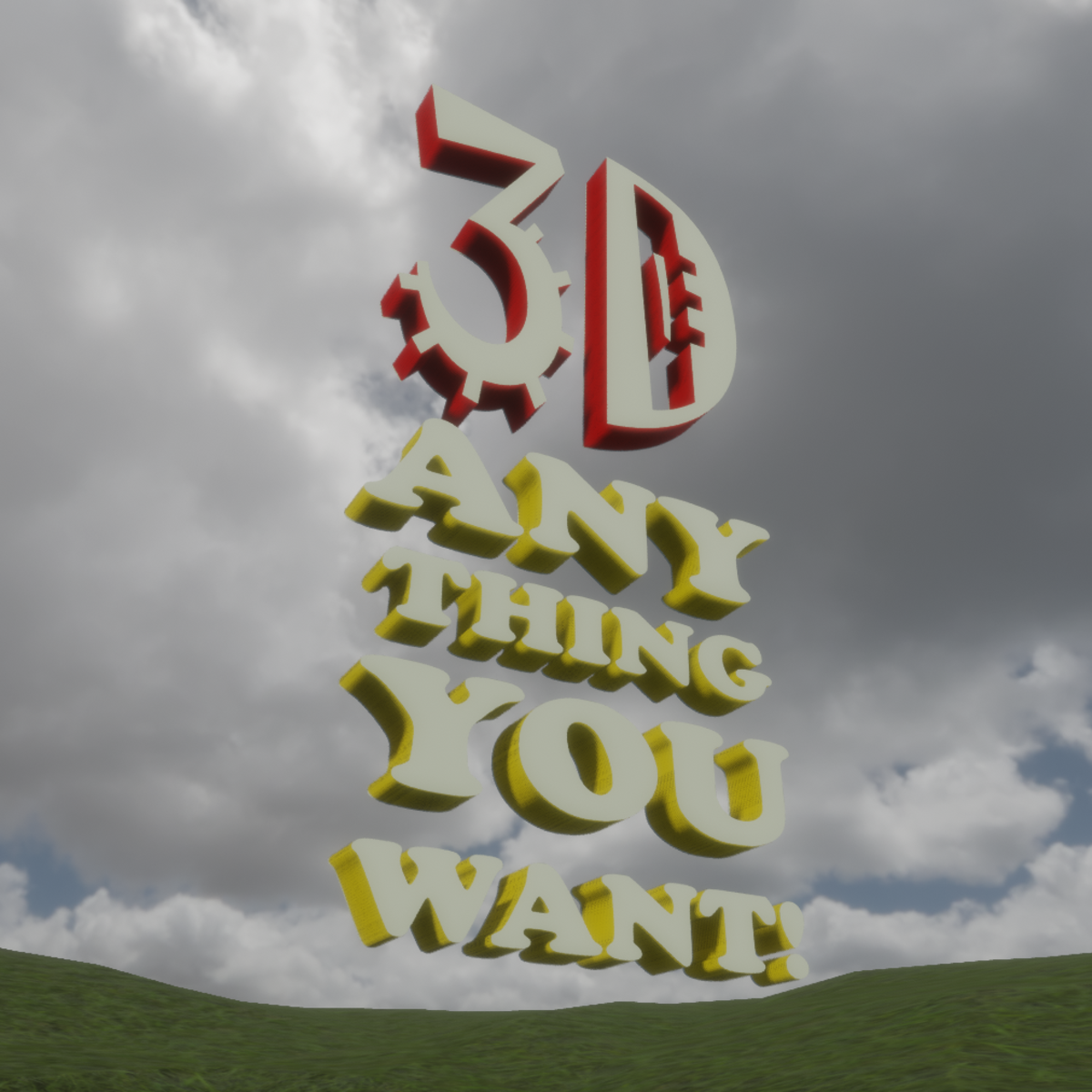
3D Anything (thin)
- Item name
- 3D Anything (thin)
- Category
- Furnishings
- Sold by
- Whystler
- Listed
- 1/22/2018
Description
Make almost anything with this object, just by changing the texture in the material editor of the Sansar Browser! Write whatever you want! Make a logo! Make flat objects! Make a funky bookcase, or room divider! HOW TO: -make a PNG file that is transparent in areas. You can have a nice texture in the opaque areas (as with the bitcoin example, or the room divider shelf example), or it can just be a colour (as with the canadian logo and words). -bring the 3D Anything object into your scene, and right click it's name in the "Scene Objects" window. This will open the object's material editor. -replace the albedo texture in each of the two materials with your PNG file. -tint each material if you like. Note: You can only re-texture items brought into your scene. When you delete that item, all of your changes to its material disappear. Have fun making things!